
PB11:调阅webwervice服务端的方法
PB调阅webservice的方法
需要用到安装路径下的pbsoapclient110.pbd文件,务必附加在自建的应用中。
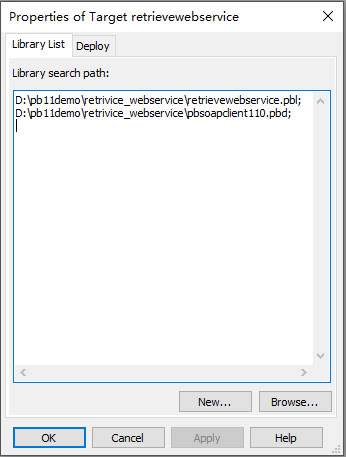
上述方法也适用于PB9。
pb调阅webservice的具体方法如下:
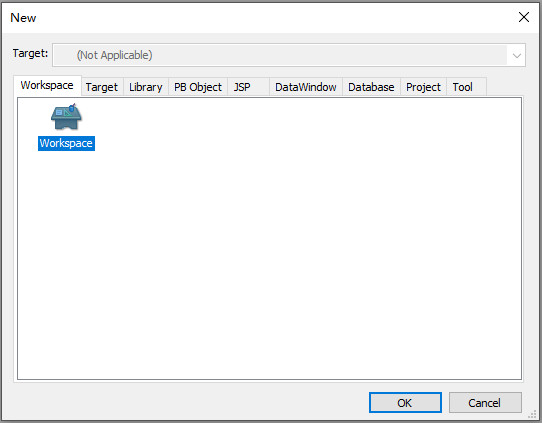
1、PB11调阅webservice方法:创建workspace
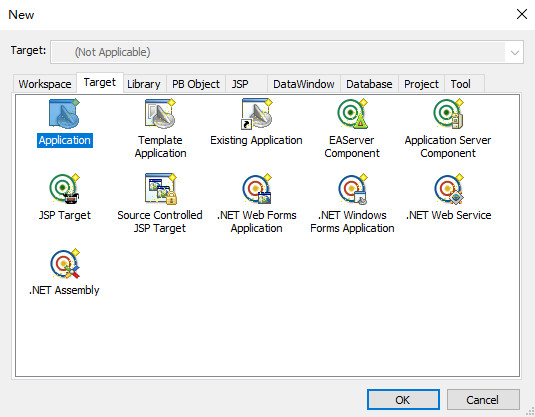
2、创建Target 中Application
3、PB11调阅webservice方法:创建project,选择web service proxy wizard
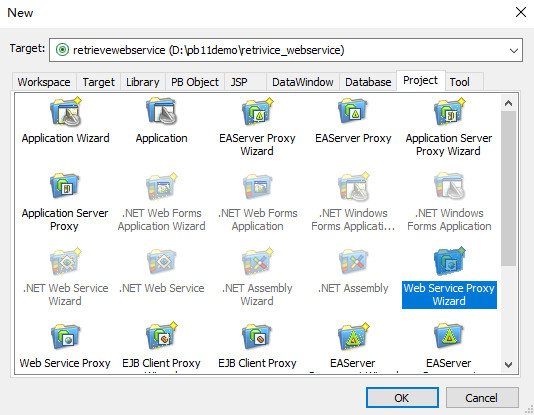
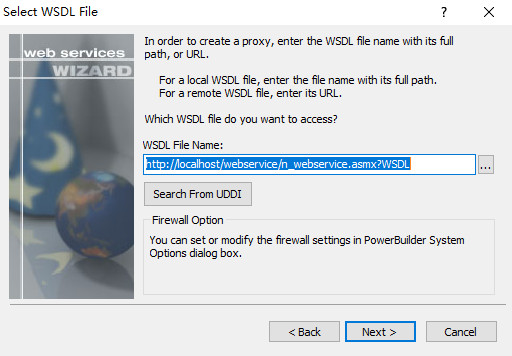
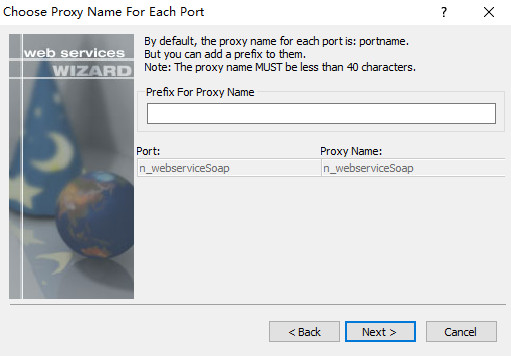
这里可留空也可设置对应值,具体创建的对象名称会有变换,这里选择不填写
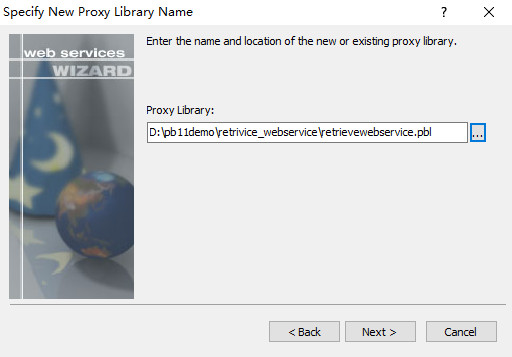
选择包含Application的PBL文件
4、PB11调阅webservice方法:创建窗口对象,用于输入接口参数
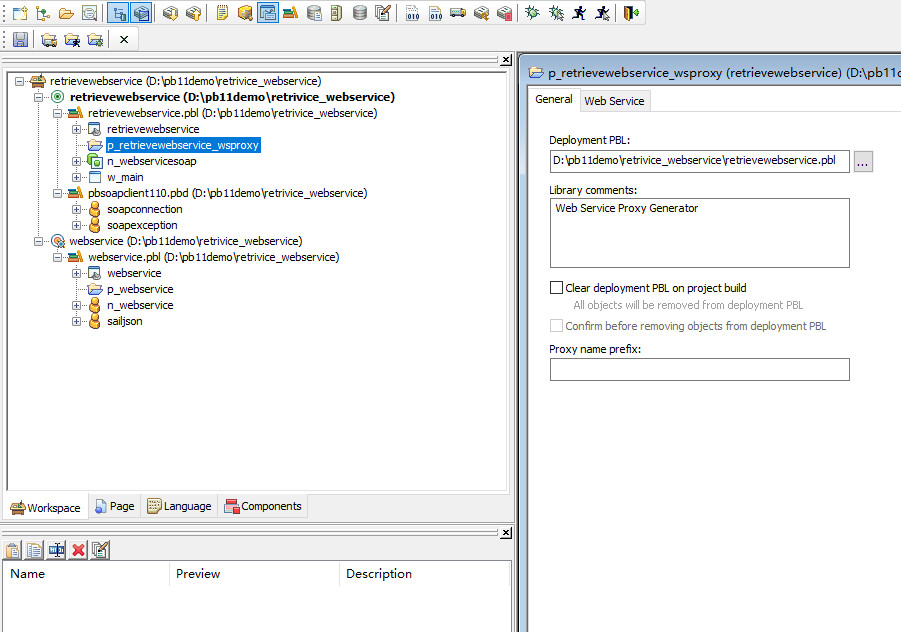
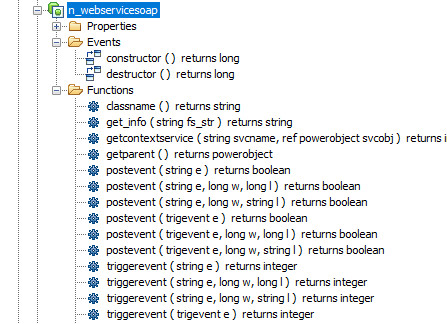
5、PB11调阅webservice方法:生成对应的接口对象
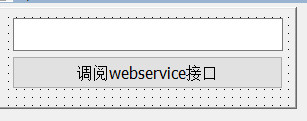
6、设置按钮代码,具体如下
//创建soapconnection 实例对象
soapconnection lnv_soap
//创建接口实例
n_webservicesoap lnv_ms
//创建相关变量
String ls_result
String ls_errtext
String ls_tel

//soapconnection实例对象绑定接口实例与地址
lnv_soap = create soapconnection
lnv_soap.createinstance(lnv_ms,"n_webservicesoap","http://localhost/webservice/n_webservice.asmx")

//接收输入参数
ls_tel = sle_1.text

//获取指定接口函数结果,传入指定的参数
try
 	//获取get_info结果
    ls_result = lnv_ms.get_info(ls_tel)
//如果出错,输出错误信息
catch(soapexception ex)
ls_errtext = ex.text
ls_result = "错误"
end try

//错误弹窗提醒
if ls_result = "错误" then
messagebox("调用webservice失败",ls_errtext)
return
end if

//正确弹窗提醒
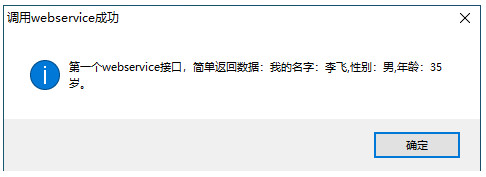
messagebox("调用webservice成功",ls_result)

//释放soapconnection对象
destroy lnv_soap
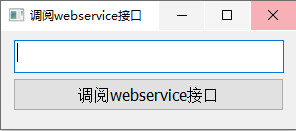
7、测试调阅

拓展阅读:
 您阅读本篇文章共花了: